

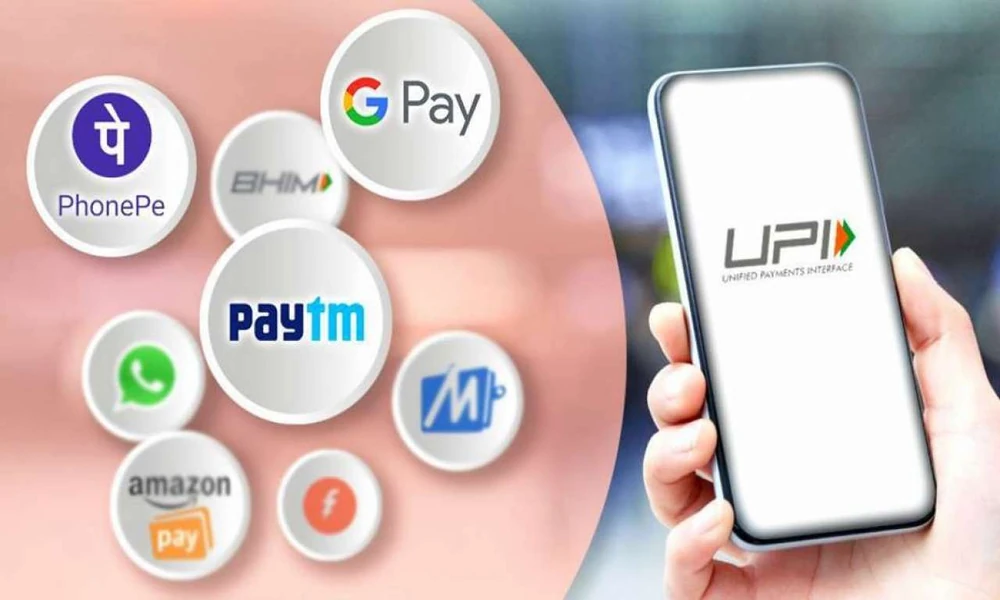
An online UPI payment app can support several everyday payment situations, from sending money to another person to paying merchants, handling supported bills and completing routine digital transactions. Its biggest advantage is convenience, but that convenience works best when users understand which payment situations suit UPI and what should be checked before confirming a transaction.
Instead of viewing UPI only as a way to send money quickly, it is useful to look at the different situations in which it may be used and the precautions that matter in each one.
Everyday Purchases At Local Stores
UPI has become a familiar payment option at many physical stores.
A shopper may scan a QR code, enter the amount and approve the transaction using the required authentication process.
The transaction may take only a few seconds, but the user should still check the merchant name before paying.
A simple routine can help:
- Scan the QR code
- Check the displayed merchant
- Confirm the amount
- Select the intended bank account
- Authorise the payment
- Check the final status
The verification step matters most when several QR codes are displayed in the same location.
Payments Between Friends And Family
UPI can also be used to transfer money directly to another person.
This may be useful when splitting a restaurant bill, sharing travel costs or sending money to a family member.
For a new recipient, the beneficiary information should be reviewed before payment.
A similar name in the contact list does not guarantee that the correct person has been selected.
For larger transfers, users may prefer to confirm the recipient details independently before sending the full amount.
Speed is useful, but accuracy remains more important.
Managing Small Household Contributions
Many households have regular shared expenses.
One family member may pay for broadband while another handles groceries or utility bills.
An online UPI payment app can make settling these contributions easier because the payment record remains visible digitally.
Instead of depending on memory, users can review past transfers and see whether a shared amount has already been paid.
Adding a short note where supported can also help explain the purpose of the transaction.
This becomes particularly useful when several payments of similar value are made during the same month.
Paying A Merchant Through A UPI ID
Not every payment happens through a QR code.
A merchant may share a UPI ID for payment.
In this situation, users should enter the identifier carefully and check the beneficiary name that appears before authorisation.
If the UPI ID arrives through a message from an unfamiliar number, additional verification is sensible.
For an online seller or service provider, confirm that the payment information came from an official or trusted communication channel.
The ability to send money instantly makes recipient verification especially important.
Recharge Tasks Within A Payment Routine
Some users manage mobile and related payment needs alongside other digital transactions.
Someone completing online recharges can include those payments within the same broader monthly routine used for UPI transfers and other recurring expenses.
This helps create a clearer spending picture.
Rather than treating each recharge as an isolated transaction, users can review how much is being spent across mobile services, household bills and everyday digital purchases during the month.
That combined view can support better budgeting.
Merchant Payments During Travel
UPI can be useful when travelling within areas where supported merchant payments are available.
Travellers may use it for food, local shopping, transport-related payments or accommodation-related expenses, depending on merchant acceptance.
The main advantage is reducing the need to carry exact cash.
However, users should still keep an alternative payment method available.
A low phone battery, temporary network issue or app problem can make digital payment temporarily unavailable.
Convenience works best when it is supported by a backup option.
Payment Requests Need Extra Attention
An online UPI payment app may also display collect requests.
These should not be approved automatically.
A collect request generally asks the user to authorise money leaving the account.
- Who sent the request
- Why the payment is being requested
- Whether the amount is correct
- Whether the request was expected
An unexpected payment request should be treated cautiously.
Users should not enter their UPI PIN simply because someone claims that doing so is necessary to receive money.
Failed Transactions Need A Clear Response
A failed payment can create confusion, especially when the user is unsure whether the bank account was debited.
The first step should be checking the actual transaction status.
If no money was deducted, another payment attempt may be possible.
If the account was debited, the user should review the reversal or resolution status before trying again.
This avoids creating a duplicate payment.
The transaction reference should be retained until the issue is resolved.
Pending Transactions Should Not Be Rushed
Pending payments require even more patience.
A transaction that is neither clearly successful nor failed may later receive a final status.
Immediately sending the same amount again can create a duplicate payment if the first transaction eventually succeeds.
A better process is:
- Check the app history
- Check the bank debit
- Check whether the recipient received money
- Keep the transaction reference
- Wait for the status to update where appropriate
Only after the first payment is clearly unsuccessful should another attempt be considered.
Online Shopping Needs Merchant Verification
UPI is also used for purchases made through websites and apps.
The payment flow may involve entering a UPI ID or approving a payment request.
Before authorisation, users should confirm that the merchant name and payment amount match the order.
Avoid approving unexpected requests that arrive after leaving the official checkout process.
If the merchant claims that payment failed but the amount has been debited, check both the order status and UPI transaction status before paying again.
Small Payments Can Hide Large Monthly Spending
A digital payment of ₹100 or ₹200 may feel insignificant.
But multiple small transactions throughout the week can add up.
An online UPI payment app provides a useful record of this spending.
A monthly review may reveal repeated expenses on:
- Food delivery
- Local transport
- Snacks
- Subscriptions
- Convenience purchases
- Small merchant payments
This information can help users understand spending patterns without maintaining a separate record for every purchase.
Separate Personal And Shared Payments
People who manage both personal and shared household expenses may benefit from keeping them mentally or digitally separated.
For example, one linked bank account may be used for household spending while another is reserved for personal transactions, where supported.
The important point is consistency.
When payment activity is easier to categorise, monthly budgeting becomes simpler.
This is especially useful for users who make many small UPI transactions.
Use Transaction History As A Verification Tool
The transaction history is not only useful for budgeting.
It can also answer practical questions.
Was the merchant already paid?
Did the transfer go through?
Was the same recharge completed twice?
Instead of relying on memory or screenshots alone, users can review the app’s transaction record.
This is particularly useful when someone asks for proof of payment.
The transaction reference and status provide a more reliable record than a verbal confirmation.
Keep Security Habits Simple And Consistent
UPI security depends partly on how the user handles the app and credentials.
A few habits matter consistently:
- Never share the UPI PIN
- Do not share OTPs
- Avoid unknown payment links
- Do not install remote-access software at another person’s request
- Use the official app or trusted app store
- Keep the phone protected with a screen lock
These habits reduce the risk of unauthorised payments and phishing attempts.
Treat Urgent Messages With Caution
Fraudulent messages often try to create panic.
They may claim that an account will be blocked, a refund is waiting or a payment must be completed immediately.
Users should verify such claims independently.
Rather than using the link provided in the message, open the official app directly.
A genuine account issue should normally be visible through an authorised channel.
Urgency should increase verification, not reduce it.
Review Linked Bank Accounts Periodically
Users with multiple linked bank accounts should periodically check whether all of them are still required.
Old or rarely used accounts may create unnecessary clutter.
It is also useful to confirm which account is set as the default payment source.
Selecting the wrong account can interfere with budgeting or leave insufficient funds for scheduled expenses elsewhere.
A short review every few months can keep the payment setup organised.
Build A Weekly Payment Review
A weekly review can take only a few minutes.
Look at the transaction history and confirm that:
- All recognised payments are correct
- No pending transactions remain unresolved
- No duplicate payments appear
- Unfamiliar transactions are investigated
- Spending remains within the expected range
This routine is particularly helpful for users who make several digital payments every day.
Conclusion
An online UPI payment app can fit into many everyday situations, including merchant purchases, personal transfers, shared expenses and supported recharge or bill-payment activities.
Its usefulness depends on careful verification. Checking recipients, amounts, bank accounts and final transaction status can prevent many common payment mistakes.
Users should also review their payment history, protect authentication details and treat unexpected collect requests or urgent payment messages cautiously.
When digital payments are organised around simple security and verification habits, UPI can become a practical part of everyday money management rather than just a fast payment method.
Frequently Asked Questions
1. What Can An Online UPI Payment App Be Used For?
It can support eligible person-to-person transfers, merchant payments, QR-code transactions and other supported digital payments.
2. Is A UPI PIN Needed To Receive Money?
Generally, a UPI PIN is used to authorise outgoing transactions rather than to receive money, so unexpected requests for a PIN should be treated cautiously.
3. What Should I Do If A UPI Transaction Is Pending?
Check the app history, bank account and recipient status before attempting the same payment again.
4. Can I Use More Than One Bank Account With A UPI App?
Some UPI apps support multiple eligible bank accounts, depending on the platform and participating bank.
5. How Can I Keep UPI Payments Secure?
Verify recipients, protect your PIN and OTPs, avoid unknown links and use only official payment channels.
